How to Build Website with Next.js and Grow Your Clients
Build Website with Next.js for fast, SEO-ready, client focused projects that attract quality leads and sales online!!

For business owners and agencies who want to attract quality leads and grow their client base, Next.js provides the perfect foundation for building fast, SEO-optimized websites that convert visitors into customers. Whether you're launching a portfolio site, agency website, or client project, Next.js delivers the performance and flexibility you need.
Why use Next.js for modern clients
Firstly, Next.js combines React with server-side rendering, so search engines index each page more effectively.
Secondly, this architecture lets you deliver experiences that feel quick even during heavy traffic spikes.
Furthermore, the framework supports static site generation, therefore your marketing pages stay blazing fast and secure.
Also, Next.js integrates smoothly with CMS tools, so you Build Website content that non-technical teams can update.
In addition, features like Image Optimization and routing help you create layouts that adapt across devices.
On the whole, these strengths mean you can launch solutions that scale from small portfolios to complex apps.
Plan your project before you Build Website with Next.js
Define goals, audience, and message
At first, clarify why you want a strong online presence, such as leads, sales, or authority.
Because goals differ, your Build Website structure for a SaaS founder differs from a local café.
For example, agencies need case studies, whereas freelancers often highlight skills and personal story.
Choose core pages before you design
In general, every serious project includes a home page, about page, and clear contact path.
Similarly, you usually need services, portfolio, and blog sections to support your authority in search.
Consequently, mapping these sections early helps you Build Website navigation that feels simple and intuitive.
Set up Next.js quickly for your project
Install Next.js and create your base project
Firstly, open your terminal and, in brief, run npx create-next-app@latest for a fresh starter.
After that, answer the prompts so you enable TypeScript, App Router, and any styling system you prefer.
Thereafter, you can Build Website foundations locally at http://localhost:3000 during development.
Understand routing while you plan structure
In the first place, each file inside the app directory maps directly to a public route.
For instance, app/page.tsx becomes your homepage, so it anchors the main Build Website experience.
Likewise, app/blog/page.tsx exposes a blog index, therefore you easily grow content hubs over time.
In summary, this file-based routing lets you design layouts without complex configuration or extra libraries.

Use key Next.js features to Build Website that ranks
Leverage server-side rendering and static generation
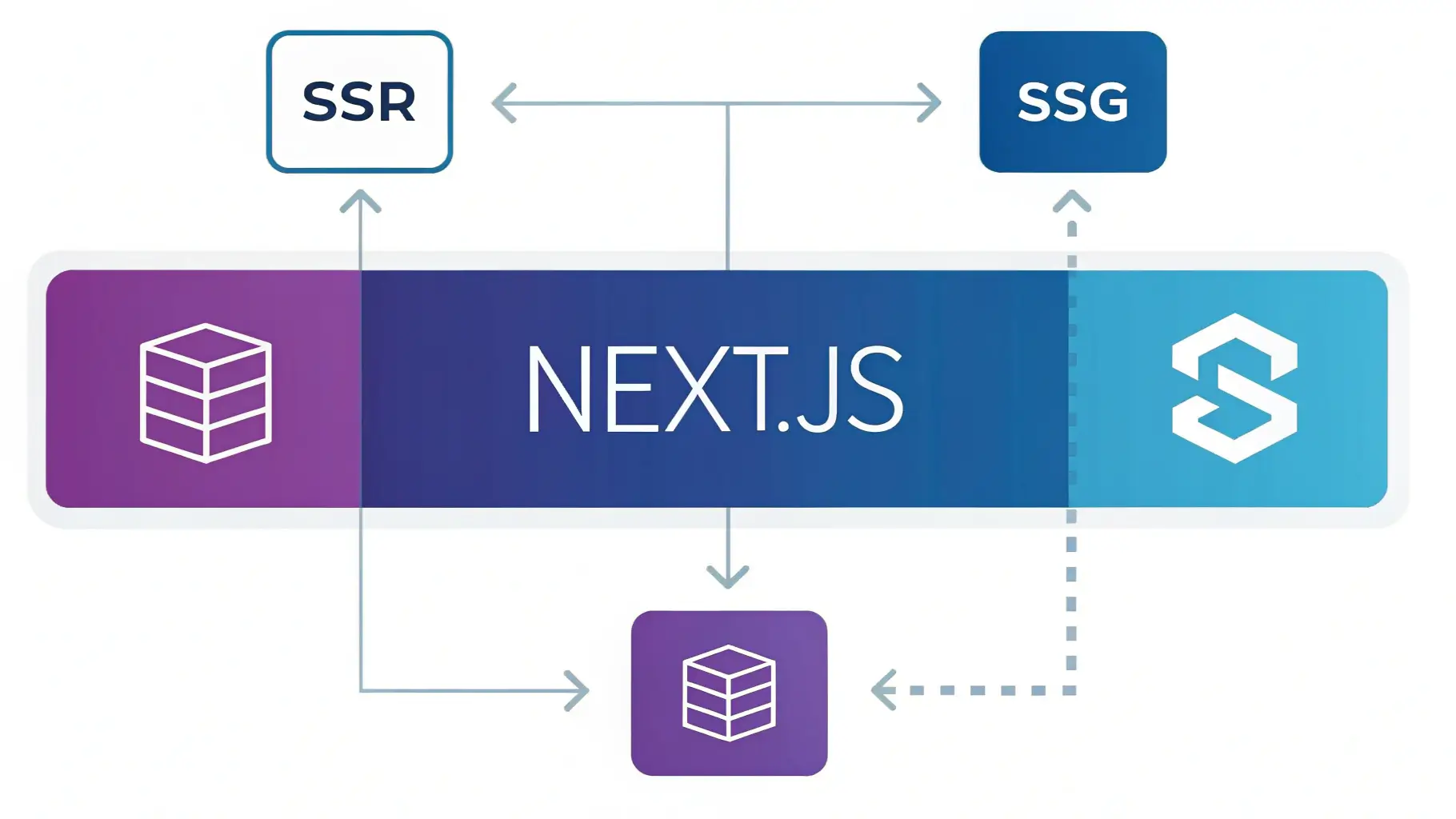
As a result, server-side rendering can pre-render HTML, so search engines see rich content instantly.
In contrast, static site generation produces HTML ahead of time, therefore you Build Website sections with incredible speed.
On balance, a hybrid approach lets you mix dynamic dashboards and static marketing content in one project.
Add SEO foundations to your Next.js site
In particular, configure the metadata object or <Head> component, so titles describe each page clearly.
Moreover, set canonical URLs, open graph tags, and structured data to help your brand appear trustworthy.
Equally, optimize images with the next/image component, because visual performance strongly affects organic rankings.
Optimize performance and UX as you Build Website
Improve loading speed and Core Web Vitals
Firstly, remove unused scripts, since lighter bundles help your interfaces feel instantly responsive for visitors.
Furthermore, enable image compression, code splitting, and caching so your Build Website experience stays smooth on mobile.
In the long run, these tweaks reduce bounce rate and therefore support higher conversion rates from organic traffic.
Design UX that turns visitors into clients
To begin with, place clear calls to action on each key page, so visitors know how to contact you.
Likewise, highlight case studies, testimonials, and pricing to show your work delivers measurable value.
In essence, thoughtful UX helps your site act as a silent salesperson for your services.
Frequently Asked Questions
How long does it take to launch a Next.js site?
Generally, simple brochure sites can launch in weeks, while complex apps for agencies obviously require more time.
In any case, planning content early helps you Build Website pages faster because development rework drops sharply.
Do I need a backend for my project?
In general, you can use static generation together with APIs, so you deliver rich experiences without full servers.
On the other hand, more advanced dashboards may require databases, therefore you integrate an external backend or service.
Where should I host a Next.js site?
For the most part, platforms like Vercel and Netlify make deployment straightforward, so you focus on features.
In summary, choose hosting that supports edge functions, SSL, and CI pipelines to keep your site reliable.
How does Next.js help SEO for my business?
As has been noted, server-side rendering and metadata support give your pages strong technical foundations for search.
What's more, performance features reduce load times, so your setup aligns with core ranking signals.
In conclusion: Start with Next.js today
In conclusion, Next.js lets you Build Website projects that balance speed, flexibility, and long-term maintainability.
To sum up, start small with one landing page, then gradually grow your site as your pipeline grows.
Above all, if you need a developer to Build Website solutions with Next.js, visit my contact page to start your project.

Yassine Ifguisse
Software Developer & Ai SaaS Developer
Building modern web applications with Next.js, React, and TypeScript. Passionate about creating scalable solutions and sharing knowledge through code. I am also a passionate about building ai saas products and services.
Related Posts
Building Modern Web Applications with Next.js
Explore the power of Next.js 15 and React 19 for creating high-performance web applications with server-side rendering and modern React features.
Optimizing React Performance: Essential Tips
Learn practical techniques to improve React application performance, from memoization to code splitting and beyond.